
 Teacher Approved on Google Play
Learn to count from 1 to 10, the playful way
17 cheerful mini-games help children aged 3 to 6 count, trace, order and compare numbers. Clear voice instructions, simple controls and no ads.
- 4.5 on Google Play
- 6,592 ratings
- 1M+ downloads
- Ages 3–6
- 17 games
- No ads
- Voice guided
- 1M+Downloads on Google Play
- 4.5Average rating from 6,592 reviews
- 17Learning games in one app
- 30+Forest words to discover
17 games that make numbers make sense
Every activity practises one early maths skill, with friendly characters, bright colours and lots of encouragement.
Count everything
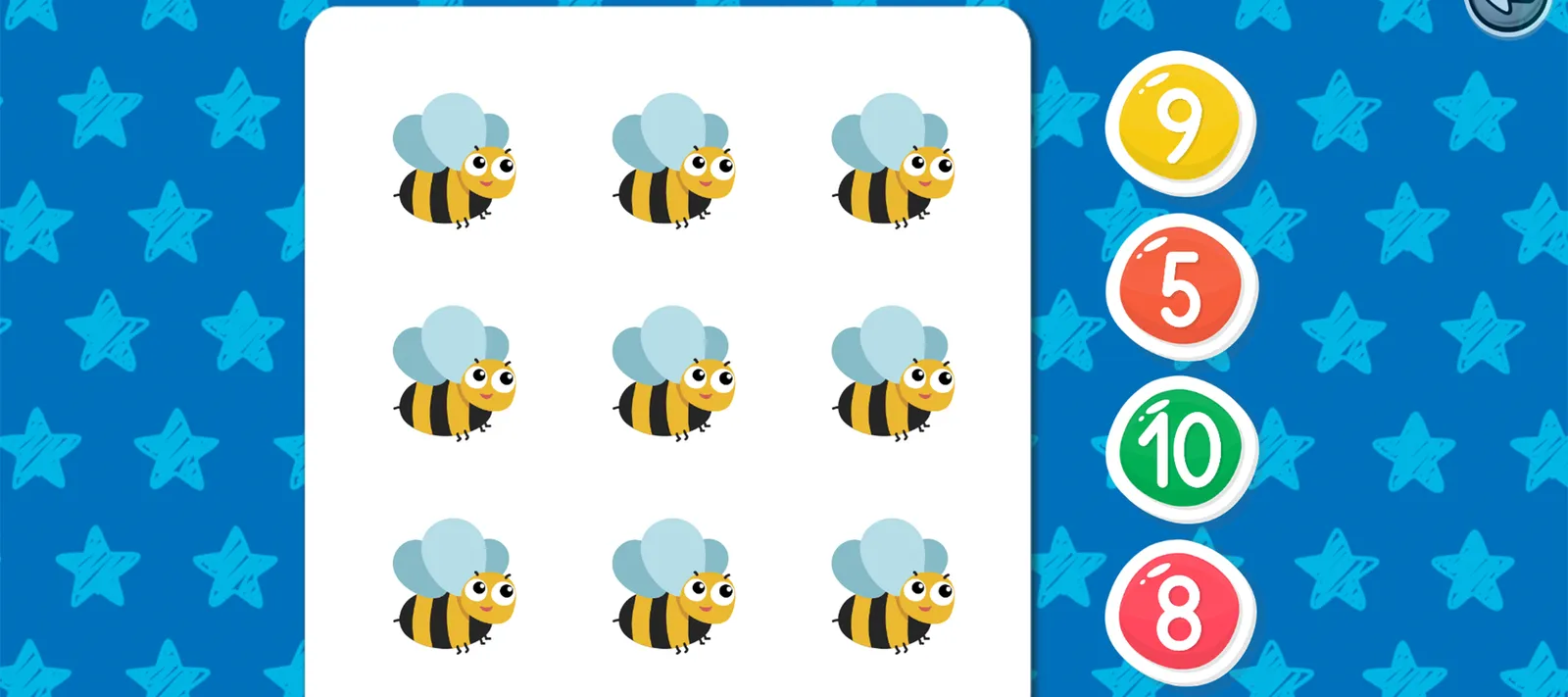
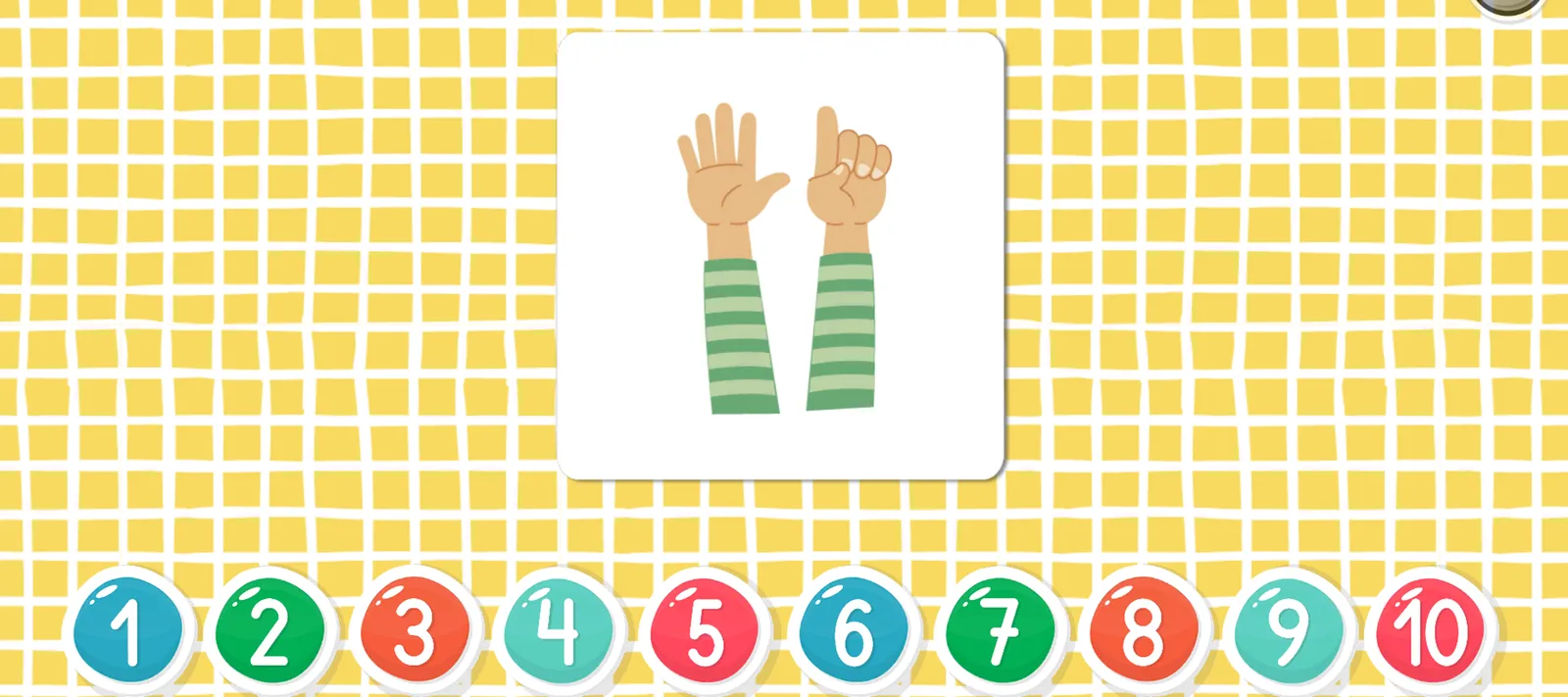
How many bees? How many fingers? Children count friendly objects and tap the matching number.
Trace and write
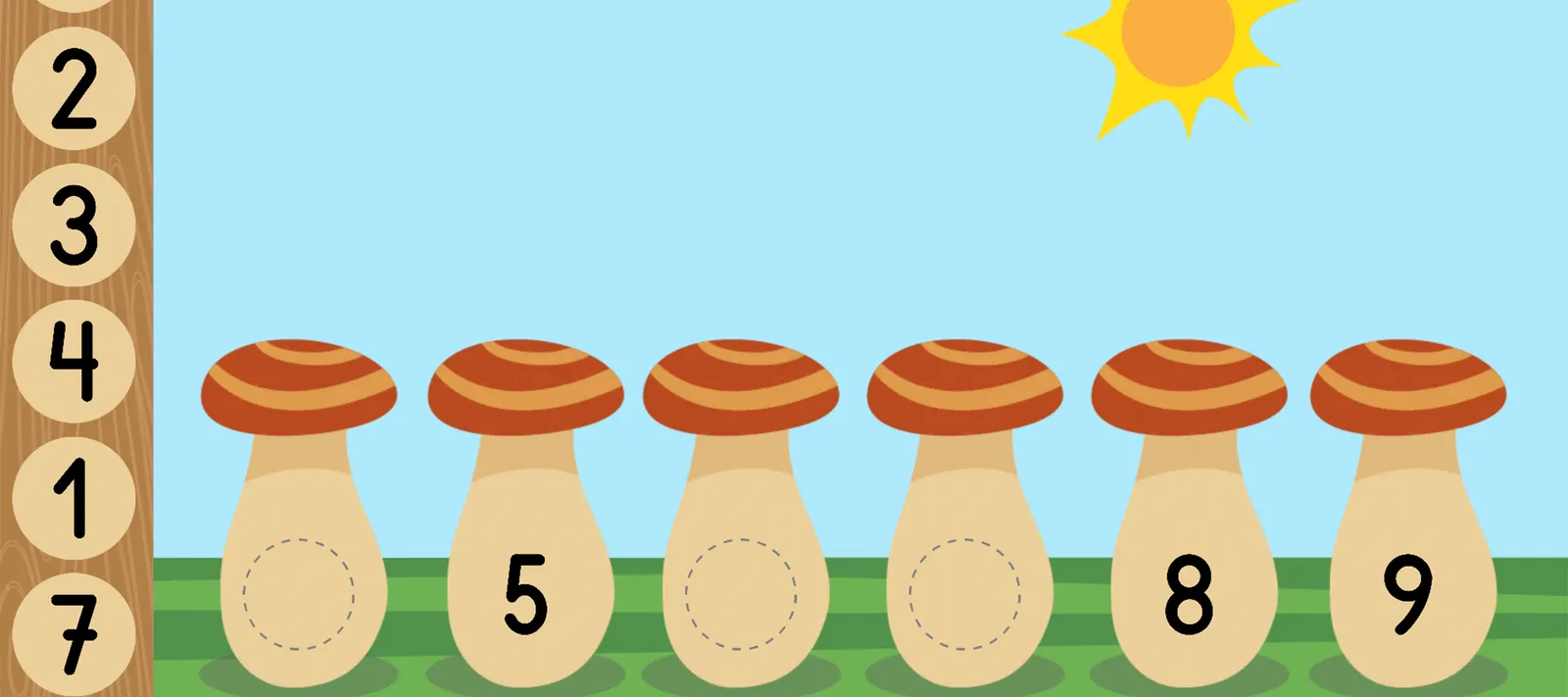
Arrows and dots show where to start, so little fingers learn to write every number from 1 to 10.

Order and complete
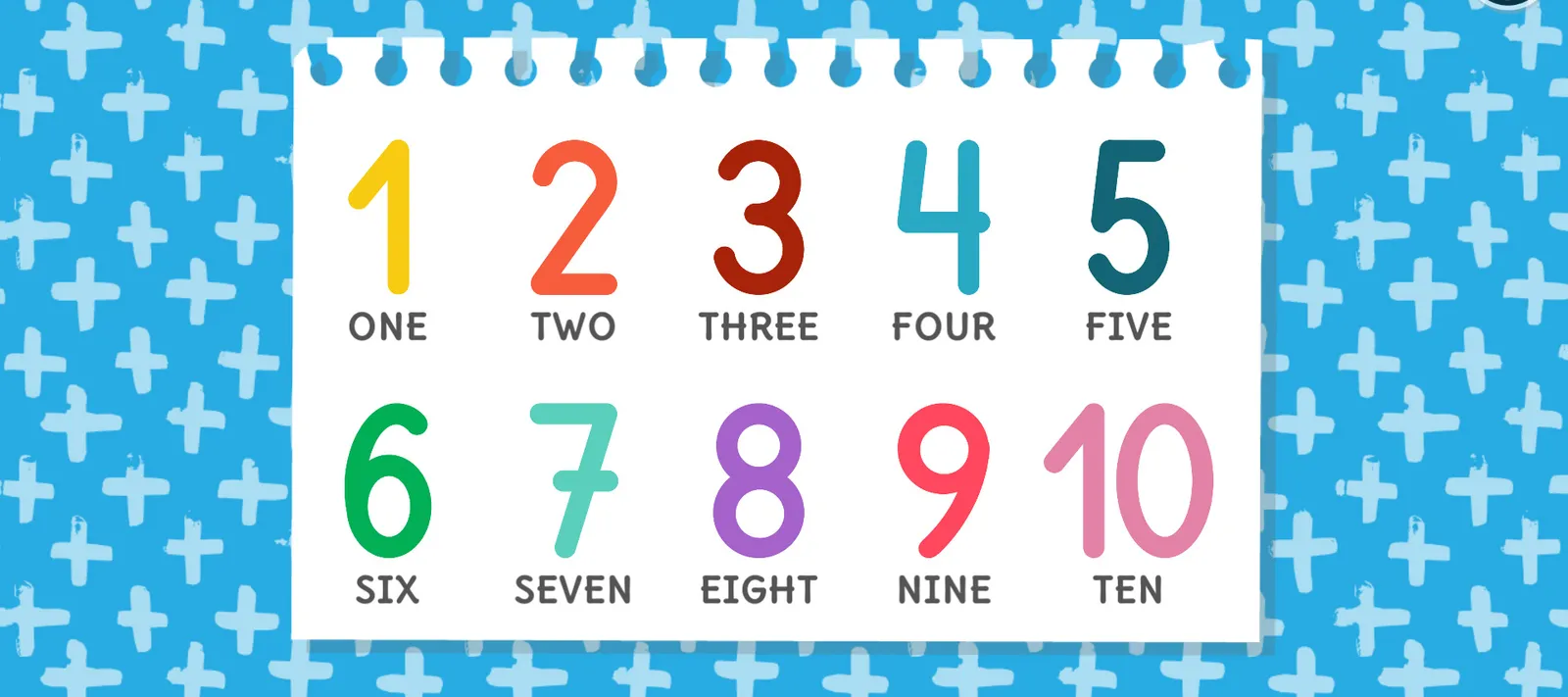
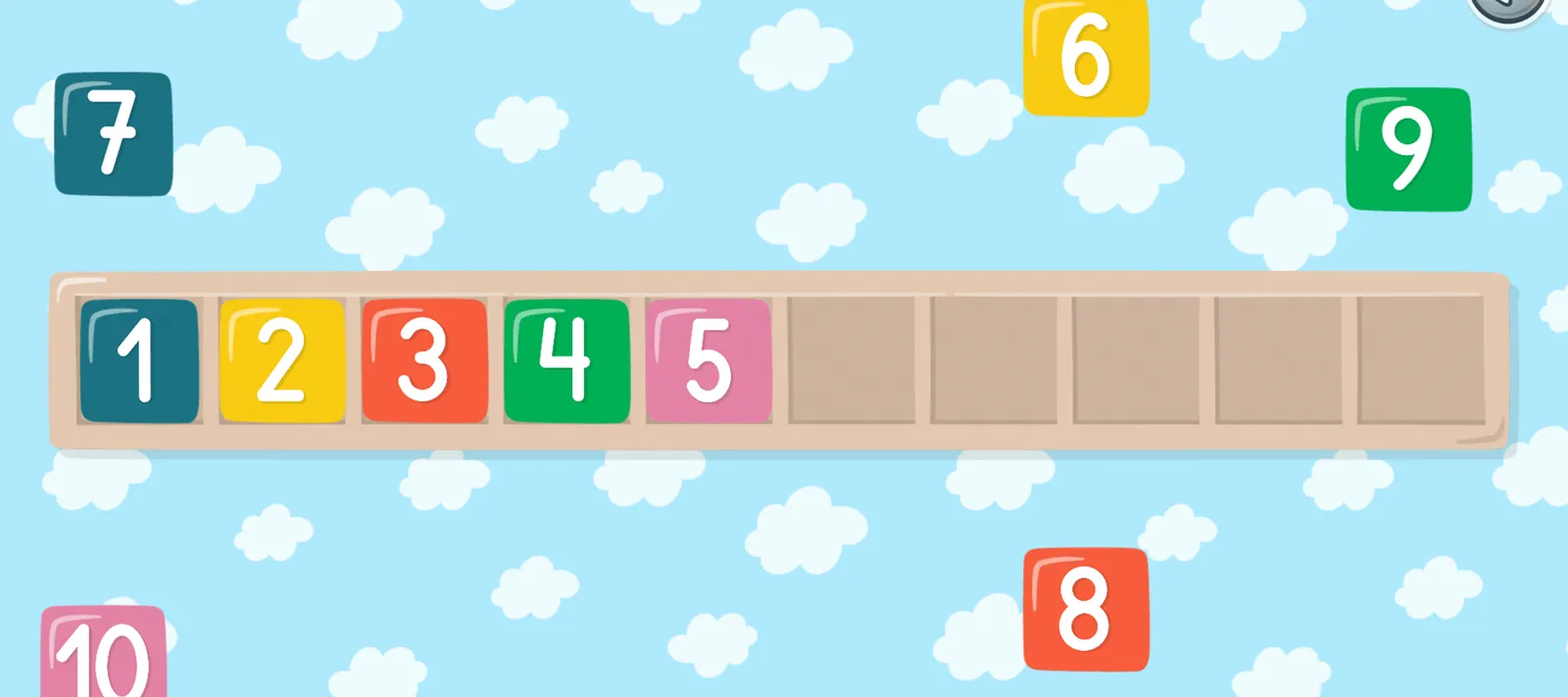
Put the numbers in order, place them on the number line and find the ones that are missing.
Compare quantities
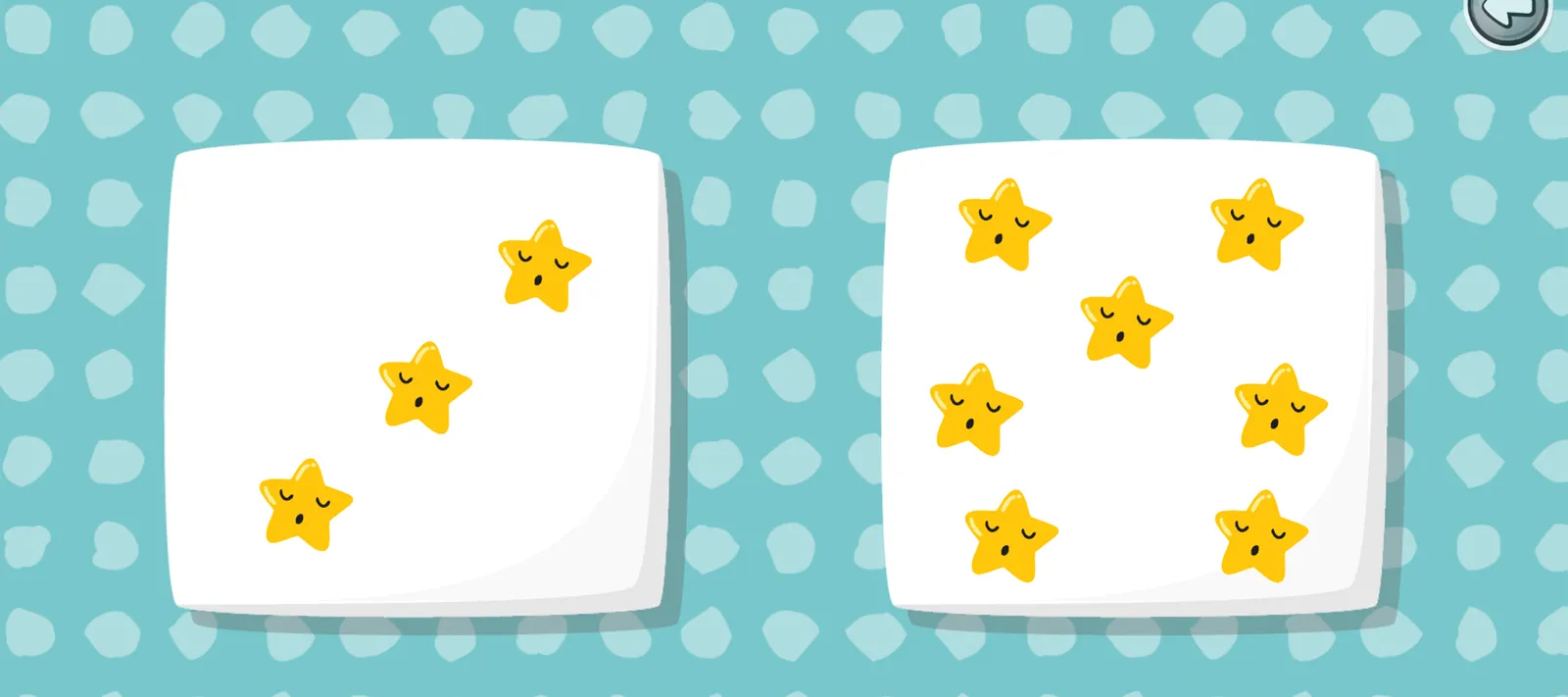
Many, few or none? Children compare groups and spot where there are more or fewer.
First words
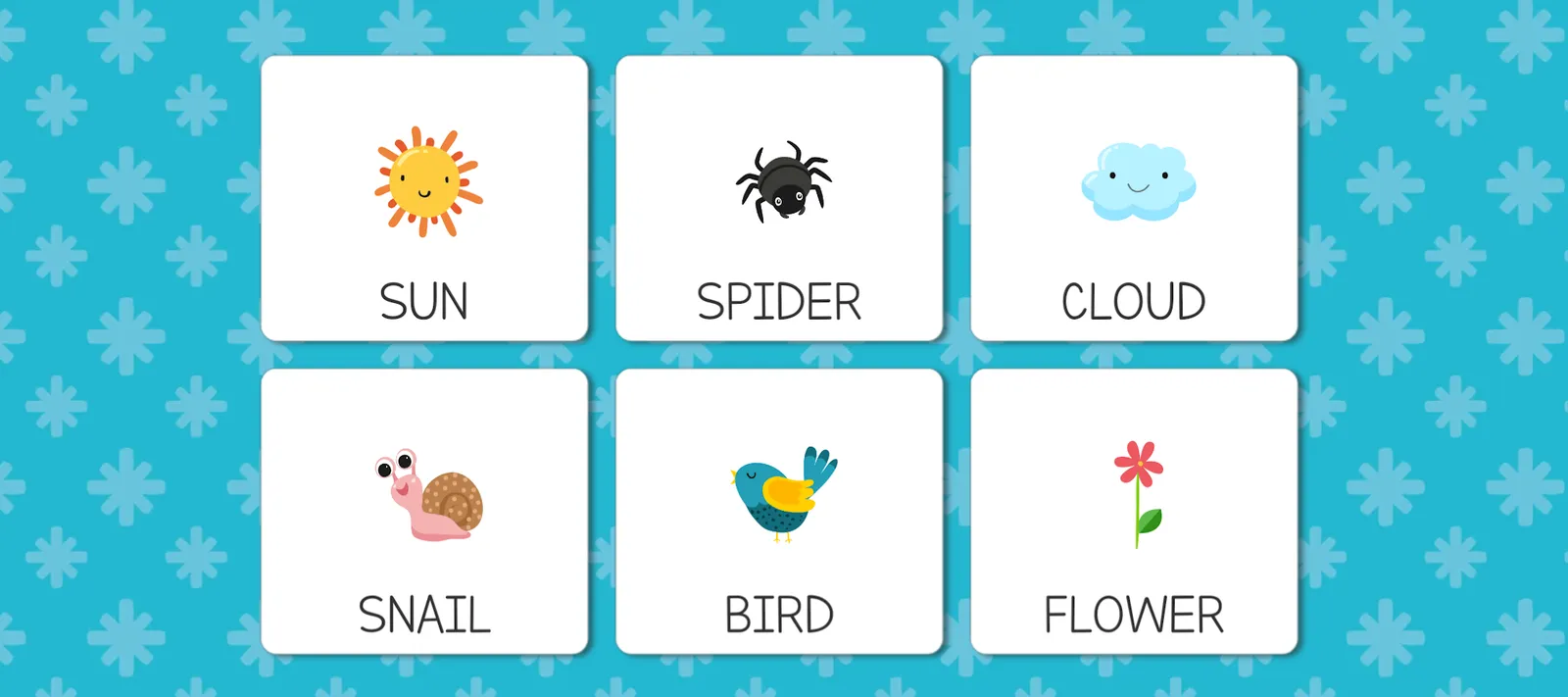
More than 30 forest words, shown in capital letters and read aloud, to help vocabulary grow.
Memory and attention
Card matching, dot-to-dot, find the shadow and popping clouds keep practice fresh and fun.
Adapts to your child
Choose the vocabulary difficulty, switch the music on or off and use the button lock for the youngest players.
- Vocabulary difficulty
- Music on or off
- Button lock
See how little ones learn to count
A short tour of the app and its counting, tracing and matching games, so you know exactly what your child will play.
The video plays from YouTube in privacy-enhanced mode. YouTube may set cookies once you press play. Cookie Policy
Watch on YouTube (opens in a new tab)Take a peek inside
Bright, uncluttered screens designed for small hands. Swipe or use the arrows to explore.
 Teacher Approved
Rated highly by teachers on Google Play
Learning Numbers Kids Games carries Google Play’s Teacher Approved badge. Apps in the programme are reviewed by teachers and child-development specialists, who look at age-appropriateness, quality of experience, enrichment and delight.
- Age-appropriate
- Quality experience
- Enriching
- Delightful
Google Play lists the app as Teacher Approved for children up to 5.
How Teacher Approved works (opens in a new tab)Screen time you can feel good about
We built the app for the youngest learners, so safety and simplicity come first.
Ad-free play
No adverts interrupt the games, so children stay focused on learning.
Privacy first
No accounts or personal details for children, and no data shared with third parties.
Made for small hands
Big buttons, simple screens and clear voice guidance let children play on their own.
Settings for grown-ups
Adjust the vocabulary difficulty, the music and the button lock to suit each child.
Families Policy
Committed to Google Play’s Families Policy for apps designed for children.
Classroom friendly
Short activities fit easily into number lessons, learning centres and small-group work.
Questions from parents
Quick answers to the most common questions. Our Help Centre covers settings, purchases and troubleshooting too.
Is the app free?
Yes, the app is free to download. It also offers optional in-app purchases, which are paid through Google Play.
What age is it for?
It is designed for children aged 3 to 6, from preschool to the first years of school. Google Play lists it as Teacher Approved for children up to 5.
Does the app have ads?
No. The app is ad-free, so children can play without interruptions.
Is my child’s data safe?
We keep data to a minimum. The app does not ask children for personal information and only collects crash logs and device identifiers so that it works properly and keeps improving. This data is encrypted in transit and is not shared with third parties. Read our Privacy Policy for details.
What will my child learn?
Numbers from 1 to 10: recognising, counting, writing and ordering them, completing number series and comparing quantities (many, few and none). There are also more than 30 words about the forest, plus matching, memory and shadow games that build attention and visual skills.
Which devices does it work on?
The app is available for Android phones and tablets through Google Play. A tablet gives little hands the most room to play.

Ready to count to 10?
Download Learning Numbers Kids Games free on Google Play and start playing in minutes.
 (opens in a new tab)Teacher Approved
Free to download · In-app purchases · Ages 3–6